DaMaquina CNC
DaMaquina CNC
Home Features Library Plans FAQ
Subscribe
SKETCHUP PLUGIN · CABINETMAKING
Planar CNC - Marcenaria

Planar CNC

From the SketchUp design to the cutting plan, without leaving SketchUp

Planar CNC turns SketchUp into a complete cabinetmaking tool: 331 ready-made parametric furniture models, optimized cutting plans, DXF files for the router, bill of materials, assembly manual and labels. Developed by DaMaquina CNC, in Portuguese.

Annual subscription from 12 × R$ 149
331 ready-made models
Kitchens, bedrooms, living rooms, offices, bathrooms and laundry.
Sizes in seconds
Change width, height and options: the piece rebuilds itself with the right parts.
Cutting plan and DXF
Optimized sheets, cut list and layered files for the CNC.
Assembly and labels
Step-by-step 3D manual, QR Code labels and part checking.
THE PROBLEM

Drawing is fast. Turning the drawing into parts is what takes the day.

In SketchUp the cabinet is ready in minutes. Then comes the part nobody sees: measuring part by part, building the cut list in a spreadsheet, remembering the edge banding of each side, marking the drilling, nesting everything on the sheets and explaining the assembly to whoever will build it.

Every manual step is a chance for error, and the error only shows up at assembly: a swapped part, a misplaced hole, an extra sheet. Planar CNC does that step straight from the model, with the engineering of each piece already built in.

FEATURES

Everything a cabinet shop needs, inside SketchUp

Every function works on the same model: what you change in the design reaches the cutting plan, the DXF, the bill of materials and the assembly manual.

LIBRARY
Parametric furniture
331 models in 9 categories. Each piece is recalculated when you change sizes, doors, drawers and finish.
EDITOR
Live sizes and options
Preview and cut list updated while you adjust the values.
CUTTING
Optimized cutting plan
Well-used sheets, grain direction, edge banding, printing and flattening in the model itself.
CNC
Layered flattening and DXF
Holes, pilot holes, finger pulls, rebates and grooves on separate layers, with a machining validator and DXF with arcs.
FINISHING
Smart cladding panels
Finishing panels over the cabinets: sides, tops, apparent thickness and mitered corners.
HARDWARE
Handles and hardware
Parametric finger-pull handle, aluminum profiles, hinges, slides and gas struts with the right drilling.
QUOTE
Bill of materials and costs
Quantities of sheets, edge banding and hardware for the project, with the cost of each item.
PRODUCTION
Assembly manual and labels
Step-by-step 3D assembly, exploded view, labels with your logo and QR Code, part checking.
MANAGEMENT
Stock and purchasing
Materials and suppliers, quotations and purchases linked to the projects.
LIBRARY

331 ready-made models to adjust

Pick the piece, enter the sizes and it lands in the model with every part, edge band and drilling. New models arrive with the automatic update, with nothing to reinstall.
Kitchens 130
Bedrooms 75
Structural components 42
Living rooms 37
CNC machining 23
Offices 9
Hardware and accessories 7
Bathrooms 5
Laundry 3
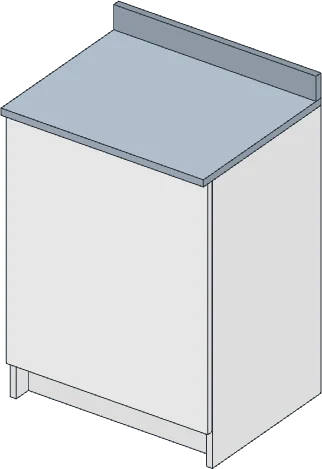
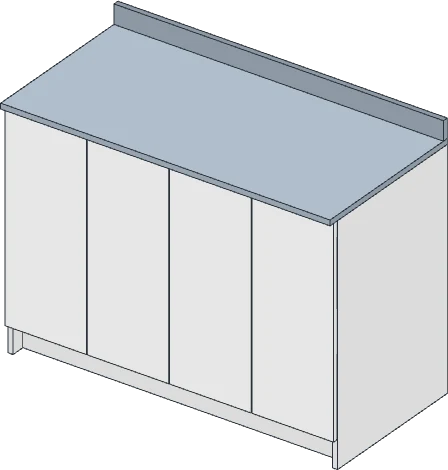
Sink base cabinet 1200
MODELS
Sink base cabinet 1200
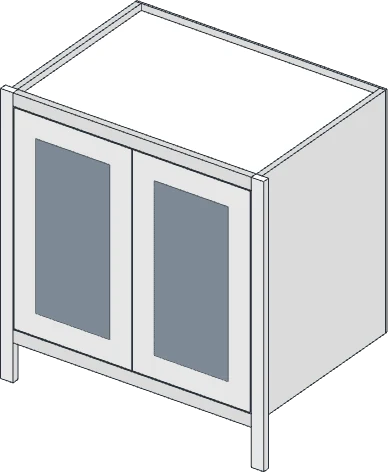
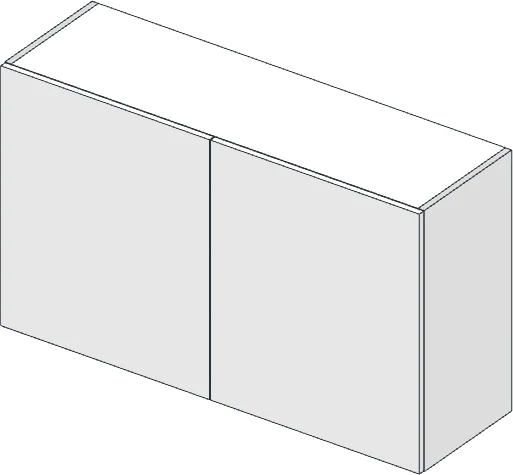
Wall cabinet 1200, 2 bays
MODELS
Wall cabinet 1200, 2 bays
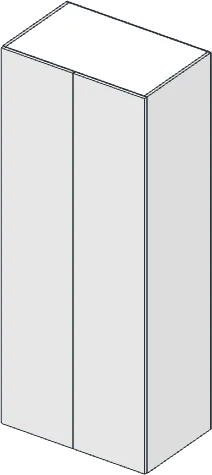
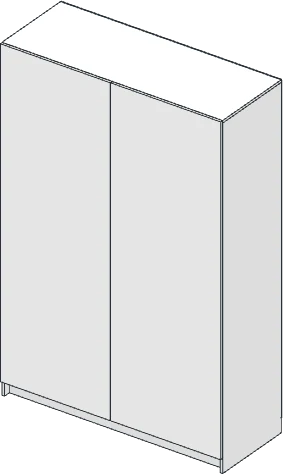
Two-door wardrobe
MODELS
Two-door wardrobe
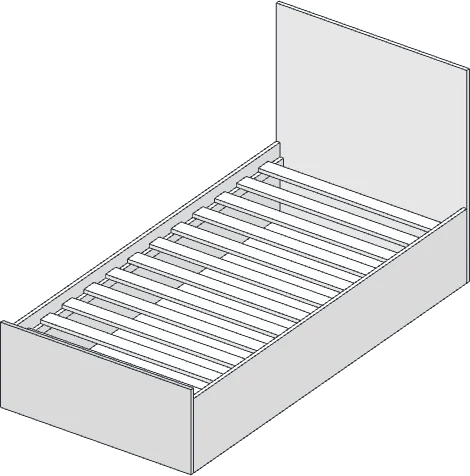
Single bed
MODELS
Single bed
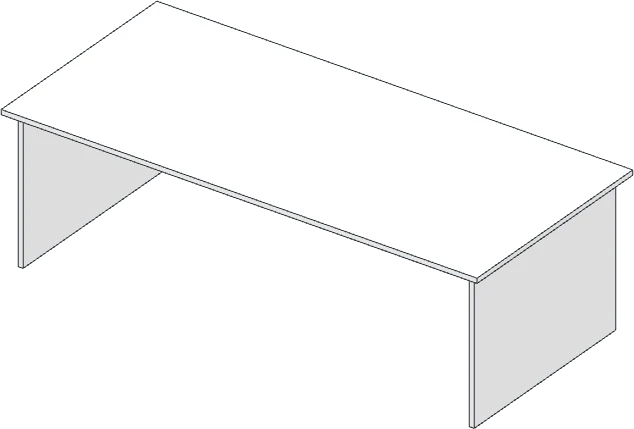
Meeting table 2400
MODELS
Meeting table 2400
Bathroom vanity 600
MODELS
Bathroom vanity 600
Base cabinet, double door, 3 drawers
MODELS
Base cabinet, double door, 3 drawers
Tall unit, 5 drawers, 2 shelves
MODELS
Tall unit, 5 drawers, 2 shelves
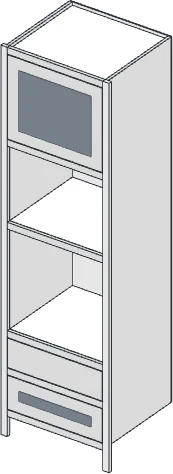
Oven tower
MODELS
Oven tower
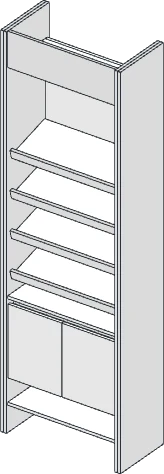
Decorative bookcase 700
MODELS
Decorative bookcase 700
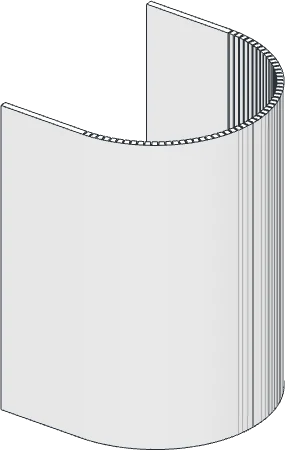
Curved panel 180°
MODELS
Curved panel 180°
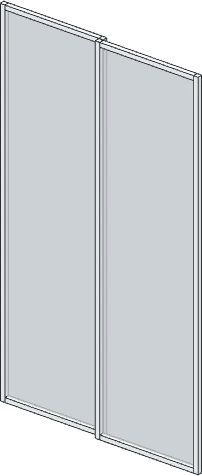
Aluminum and glass sliding doors
MODELS
Aluminum and glass sliding doors

Images generated by Planar CNC itself from the library models.

HOW IT WORKS

From the chosen piece to the labeled part

01
Pick the piece
In the Planar CNC Library, by category or search.
02
Set the sizes
Width, height, depth, doors, drawers and finish. The piece rebuilds instantly.
03
Create the cutting plan
Optimized sheets, cut list, edge banding and layered DXF for your router.
04
Assemble without errors
Step-by-step 3D manual and QR Code labels on every part.
ALWAYS UP TO DATE

Self-updating and protected against copying

Automatic updates
When SketchUp opens, Planar installs the new version by itself. New models and fixes arrive with nothing to reinstall.
Per-computer license
Each subscription is valid for one computer, validated online every time SketchUp opens.
Protected projects
Planar furniture only opens complete with an active license: a file sent to third parties does not carry your engineering with it.
Made in Brazil
Developed and maintained by DaMaquina CNC, in Portuguese, with support over WhatsApp.
PLANS

Annual subscription

Choose the plan and talk to our team to activate your license and install Planar CNC.

Cabinetmaking
AVAILABLE
R$ 1,788 /year
or 12 × R$ 149
  • ✓Library with 331 parametric models
  • ✓Size and option editor
  • ✓Optimized cutting plan and printing
  • ✓CNC flattening and layered DXF
  • ✓Cladding panels, handles and hardware
  • ✓Bill of materials and costs
  • ✓Assembly manual and QR Code labels
  • ✓Updates during the subscription
Subscribe →
Cabinetmaking + ATC CNC
COMING SOON
R$ 3,588 /year
or 12 × R$ 299
  • ✓Everything in the Cabinetmaking plan
  • ✓G-code ready for the automatic tool change router, generated inside SketchUp
  • ✓Machining order and registered tools
  • ✓Program sent to the machine
In development. The module will only be released after being validated on our machines.
Join the waiting list →
REQUIREMENTS SketchUp Pro or Studio on Windows, and internet to validate the license when SketchUp opens. SketchUp Go, which runs in the browser, does not accept extensions.
ALSO AVAILABLE Planar CNC - Portas ACM/ACP ACM/ACP-clad pivot doors: door from the opening, panel flattening, G-code, profile cutting, manual and labels. See Portas →
FAQ

Frequently asked questions

Do I need internet to use it?
Yes. Planar validates the license with the server every time SketchUp opens. If the connection drops while you work, it keeps running until you close SketchUp.
Which SketchUp does it work with?
SketchUp Pro or Studio on Windows. SketchUp Go, which runs in the browser, does not accept extensions.
On how many computers can I use it?
Each subscription is valid for one computer. For more workstations, talk to our team.
Can I share my login?
No. The license is personal: the same login on more than one computer at the same time blocks the account, as set out in the license agreement.
Are updates included?
Yes. During the subscription, every new version is installed automatically when SketchUp opens.
What about the ATC CNC module?
It is in development, for routers with automatic tool change. Join the waiting list and we will let you know when it is released.
PLANAR CNC

I want to subscribe to Planar CNC

Fill in your details. Our team will activate your license and help with the installation.

Planar CNC - Marcenaria
Request a subscription
Reply within 1 business day. Your data is safe.
DaMaquina CNC
Subscribe →
DaMaquina CNC
Home Features Library Plans FAQ
Subscribe
SKETCHUP PLUGIN · CABINETMAKING
Planar CNC - Marcenaria

Planar CNC

From the SketchUp design to the cutting plan, without leaving SketchUp

Planar CNC turns SketchUp into a complete cabinetmaking tool: 331 ready-made parametric furniture models, optimized cutting plans, DXF files for the router, bill of materials, assembly manual and labels. Developed by DaMaquina CNC, in Portuguese.

Annual subscription from 12 × R$ 149
See the plans → What it does
{{ v.title }}
{{ v.desc }}
THE PROBLEM

Drawing is fast. Turning the drawing into parts is what takes the day.

In SketchUp the cabinet is ready in minutes. Then comes the part nobody sees: measuring part by part, building the cut list in a spreadsheet, remembering the edge banding of each side, marking the drilling, nesting everything on the sheets and explaining the assembly to whoever will build it.

Every manual step is a chance for error, and the error only shows up at assembly: a swapped part, a misplaced hole, an extra sheet. Planar CNC does that step straight from the model, with the engineering of each piece already built in.

FEATURES

Everything a cabinet shop needs, inside SketchUp

Every function works on the same model: what you change in the design reaches the cutting plan, the DXF, the bill of materials and the assembly manual.

{{ r.label }}
{{ r.titulo }}
{{ r.desc }}
LIBRARY

331 ready-made models to adjust

Pick the piece, enter the sizes and it lands in the model with every part, edge band and drilling. New models arrive with the automatic update, with nothing to reinstall.
{{ c.nome }} {{ c.n }}
{{ m.nome }}
MODELS
{{ m.nome }}

Images generated by Planar CNC itself from the library models.

HOW IT WORKS

From the chosen piece to the labeled part

{{ p.n }}
{{ p.titulo }}
{{ p.desc }}
ALWAYS UP TO DATE

Self-updating and protected against copying

{{ s.titulo }}
{{ s.desc }}
PLANS

Annual subscription

Choose the plan and talk to our team to activate your license and install Planar CNC.

Cabinetmaking
AVAILABLE
R$ 1,788 /year
or 12 × R$ 149
  • ✓{{ i.txt }}
Subscribe →
Cabinetmaking + ATC CNC
COMING SOON
R$ 3,588 /year
or 12 × R$ 299
  • ✓{{ i.txt }}
In development. The module will only be released after being validated on our machines.
Join the waiting list →
REQUIREMENTS SketchUp Pro or Studio on Windows, and internet to validate the license when SketchUp opens. SketchUp Go, which runs in the browser, does not accept extensions.
ALSO AVAILABLE Planar CNC - Portas ACM/ACP ACM/ACP-clad pivot doors: door from the opening, panel flattening, G-code, profile cutting, manual and labels. See Portas →
FAQ

Frequently asked questions

{{ f.q }}
{{ f.a }}
PLANAR CNC

I want to subscribe to Planar CNC

Fill in your details. Our team will activate your license and help with the installation.

Planar CNC - Marcenaria
Request a subscription
Reply within 1 business day. Your data is safe.